Closing the Spare-Room Office: An Enfield Desk-to-Door Clearance Plan
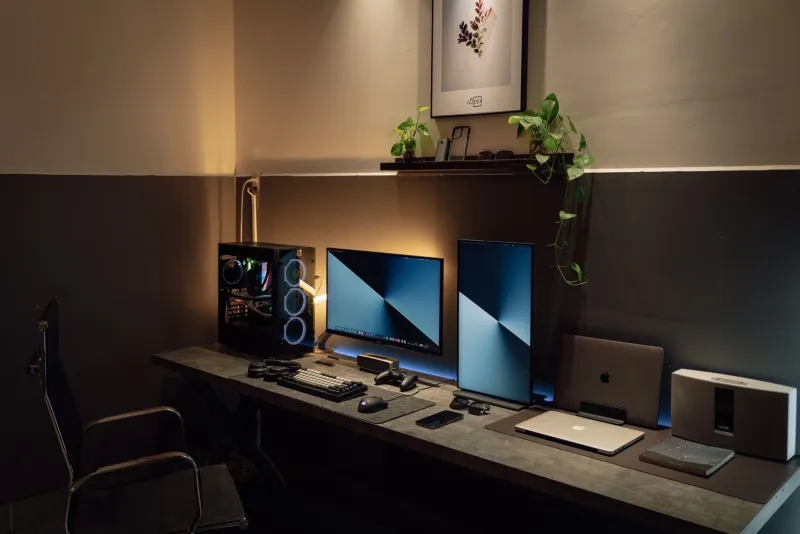
The spare room has done its duty. For a few years it was the office, the meeting room, the place where the router lived and the ironing board was politely ignored. Now you want the room back — or you’re moving, or a child needs the space, or you simply can’t face another video call beside a tower of old monitors.
Clearing a home office in Enfield isn’t quite like clearing a bedroom. The furniture is often flat-pack, the tech has data on it, the cables have quietly multiplied, and the whole lot tends to be heavier and more awkward than it looks. This is a sensible desk-to-door plan for 2026.
Start with the room’s new job
Before you unplug anything, decide what the room is for next. That sounds obvious, but it changes what stays. If it’s becoming a guest room, the big corner desk probably has to go. If it’s staying a workspace but a smaller one, maybe the desk stays and the second monitor, printer and filing tower go.
Work in zones rather than trying to empty the room in one heroic afternoon. Clear the desk surface first, then the drawers, then the floor, then the cupboard or shelf. In Enfield’s narrower terraces and flats, you’ll thank yourself for keeping a walking route to the door.
Have three containers or areas: keep, donate/sell, and clear. Be honest about the ‘might come in handy’ box. Old chargers, mystery cables and half-used notebooks are exactly what turn a simple clearance into a loft-sized problem.
Dismantling the desk without a drama
Flat-pack desks are not indestructible. They’re usually chipboard, cam locks and a thin back panel, and they dislike being dragged sideways down a carpeted staircase. Empty every drawer, remove the monitor arm and anything screwed to the top, then take the desk apart in the reverse order of how it went together. Keep the fixings in a small bag taped to one of the panels if the desk is being reused.
If it’s a solid office desk, measure the stairs and the front door before you start. A two-person lift is safer than one person doing an awkward twist on a landing. If it won’t come apart and won’t fit, don’t force it and don’t leave it leaning against the front wall. That’s how a clearance becomes a neighbourhood eyesore.
Chairs, monitors and the ‘just in case’ tech
Office chairs are bulky and awkward, especially the gas-lift type. If the chair is usable, clean it and offer it on a local reuse group or to a charity that accepts furniture. If the fabric is torn or the mechanism is gone, it needs to go as bulky waste or through a licensed clearance — not into the normal bin.
Monitors, printers, routers, laptops and tablets are electrical waste. In the UK that means WEEE, and it shouldn’t go in your household rubbish. Small electrical items can often be taken to a local recycling centre or retailer collection point, but check what Enfield’s sites accept before you load the car. For a whole office’s worth of kit, a licensed clearance crew is usually the calmer option.
Wipe the data before the hardware leaves
This is the bit people skip. An old laptop or external drive can contain bank details, client files, passwords and family photos. Before anything goes for recycling or refurbishment:
- Back up anything you still need.
- Sign out of accounts and remove saved passwords.
- Use the device’s factory reset or ‘erase all content and settings’ option.
- Where possible, remove the hard drive or storage chip and keep it, or destroy it physically if the device is truly dead.
- Ask a refurbisher or IT recycling service how they handle data-bearing devices.
A quick factory reset is better than nothing, but it isn’t a guarantee on every old machine. If in doubt, treat the storage as the sensitive part and deal with it separately.
The cable drawer deserves ten minutes
Cables breed in the dark. Tip them all out, match each one to a device, and test the ones you plan to keep. Label the keepers with a bit of tape or a cable tie. The rest — old phone chargers, mystery power supplies, frayed leads — should go to small electrical recycling, not the bin.
Don’t spend an hour untangling a cable you don’t recognise. If it’s been in the drawer since 2021 and you still don’t know what it powers, it can go.
Charity and refurb options for usable furniture
A sturdy desk, a decent office chair or a working monitor might still be useful to someone. Photograph it, measure it, and contact local charities or reuse organisations before you borrow a van. Some charity shops take furniture but not electricals; some take small electricals but not upholstered chairs. Ask first, and don’t dump donations outside a closed shop — that turns a good intention into fly-tipping.
For tech, refurbishers and community repair groups may take working laptops and monitors. Wipe the data first, and be clear about what works and what doesn’t.
If you’re booking a clearance, check the paperwork
A licensed Enfield clearance should be straightforward: a written quote, a clear list of what’s being taken, and a sensible answer about where it goes. Ask for the waste carrier registration number and insurance details. A reputable firm won’t mind. If someone offers a very cheap same-day removal with no questions, ask yourself where the desk and monitors are actually going.
Tell the crew about stairs, parking restrictions, lift access and anything heavy or fragile. In areas like Palmers Green, Southgate or Edmonton, a few minutes spent sorting a parking plan can save a lot of shouting with a two-metre desk on the pavement.
A simple desk-to-door checklist
- Clear the desk and drawers first.
- Wipe data from every device.
- Bag and label the cables you’re keeping.
- Measure the desk and the route out.
- Book donations before you move furniture.
- Separate WEEE from general waste.
- Use a licensed clearance for bulky or mixed loads.
- Keep the hallway clear on collection day.
Closing down a home office isn’t really about throwing things away. It’s about ending one phase of the room properly — data gone, useful kit passed on, awkward furniture moved safely, and the space ready for whatever comes next. In Enfield, that’s usually easier with a plan and a second pair of hands than with a solo trip down the stairs and a flat-pack desk pointing the wrong way.